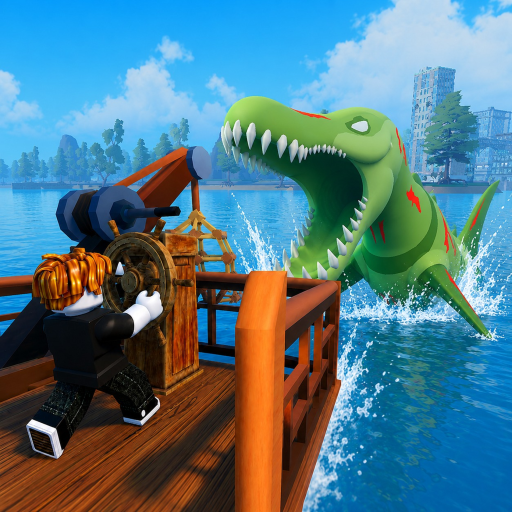
Fish And Monsters Tools
Our free Fish And Monsters tools help you verify promo code formats before redeeming in Roblox and plan fishing sessions around global event HUD timers. Both tools supplement — not replace — in-game confirmation from the Settings menu and on-screen countdown displays. Use them alongside our codes list, events hub, and guides for a complete session planning workflow updated with current Losi Studio patches.
Available Tools
The Code Helper validates whether a promo string matches expected Fish And Monsters code format patterns before you paste it into Settings → Gameplay. The Event Timer Reference explains how Cosmic Blessing, Midnight Mutation, Leviathan Madness, and Sea Monster Raid notifications appear on your HUD and how long each window typically lasts. Together they reduce wasted redemption attempts and help you stack active codes with the right global events for maximum Rare and mutation yield.
How Tools Fit Your Session Workflow
Start each play session by checking active codes for new Losi Studio releases, then run suspicious strings through the Code Helper if you found them on social media rather than this wiki. Before launching Roblox, read the Event Timer Reference to know whether Cosmic Blessing or Midnight Mutation cycles favor your current island — Cape Town deep water during Cosmic Blessing, mutation appraisal runs during Midnight Mutation. After playing, cross-reference catches with fish rarity tiers to confirm your session plan worked.
What These Tools Do Not Do
Neither tool connects to Roblox servers or redeems codes automatically. Final code validation always happens in-game through the official redemption field — expired codes, one-time-per-account limits, and typo-sensitive strings can still fail after format checking. Event timers display approximate behavior based on community observation; Losi Studio can adjust durations during balancing patches documented in balancing updates. Treat tool output as planning guidance, then confirm every reward and timer inside Fish And Monsters before committing hours of fishing.
Pairing Tools With Guides
Combine the Code Helper with code redemption guide for optimal buff stacking order — Cash codes first for new players, Luck Buffs before Rare grinds, Exper Seller before merchant visits. Pair the Event Timer Reference with rare fish guide and Sea Monster Raids guide when planning overlap sessions. Walkthrough readers should bookmark getting started alongside these tools for a structured first hour that does not depend on guessing code formats or event schedules.
Staying Current After Updates
Losi Studio weekly patches can add codes, change buff values, and introduce new global events. Revisit this tools hub after every update listed in updates section — especially Cape Town-scale content drops that ship fresh CAPETOWN-tier rewards. Our wiki updates code tables and event descriptions independently of the in-game client, giving you a preview before login. Enable the Roblox mobile app notifications for Fish And Monsters if you want real-time event alerts beyond what static timer references provide between wiki refresh cycles.
Frequently Asked Questions
Do these tools require a Roblox login? ▼
No. Both tools run entirely in your browser without accessing your Roblox account or game client.
Can the Code Helper tell if a code is expired? ▼
It checks format only. Cross-reference every code with our active codes list and expect in-game rejection if Losi Studio retired the string.
Are event timer durations exact? ▼
Timers vary by patch and server conditions. Use the reference for planning, then watch the in-game HUD countdown as the authoritative source.
Will more tools be added? ▼
This hub expands as community needs grow. Code Helper and Event Timer Reference cover the highest-impact session planning tasks today.